Schedule Validator Identity Backups
This page explains how Catalyst can be configured to run validator identity backups on a schedule. Scheduled backups help protect validator identities and prevent asset loss by enabling reliable recovery in case of failures or redeployments.
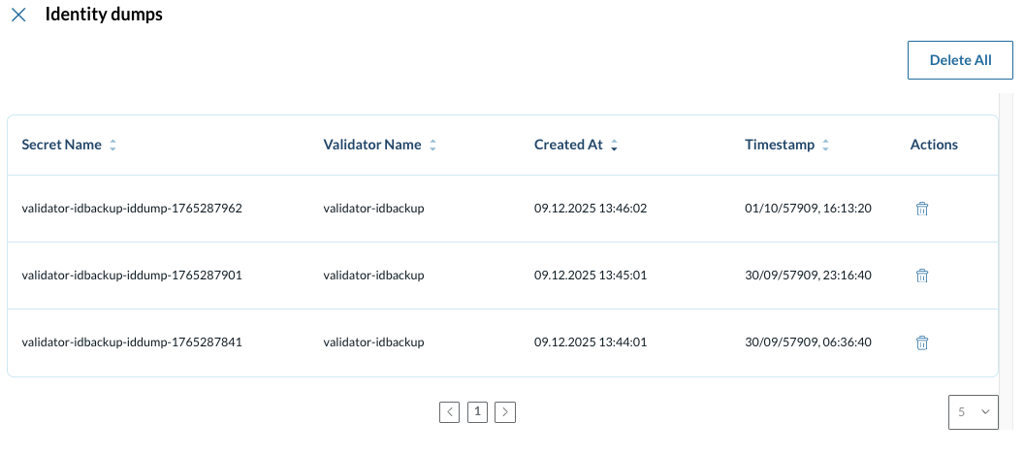
Internally, scheduled backups are managed using Kubernetes CronJobs and are stored securely as Kubernetes secrets. These backups can later be selected in Catalyst to restore a validator.
For a detailed description of the underlying backup mechanism, refer to the official Canton Network documentation: docs.dev.sync.global/validator_operator/validator_backups.html#backup-of-node-identities
Configuring a schedule
From the main Validator details page, navigate to the Management section and click the Schedule button next to the Identity dumps section.

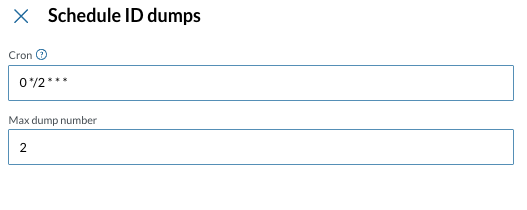
On the side panel that appears, fill in the following fields:
-
Cron - a cron expression according to the standard Unix cron syntax
-
Max dump number - the maximum amount of backups to retain. When this limit is exceeded, older backups are automatically removed.
Click Confirm to activate the schedule.
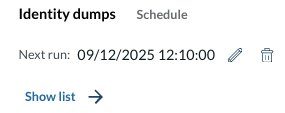
Once configured, the Identity Backups section displays the time of the next scheduled run, along with options to delete or replace the existing schedule.