CPM Marketplace Guide
In this guide, we explain how to navigate the CPM Marketplace, which is the first page you see when you open the CPM application.
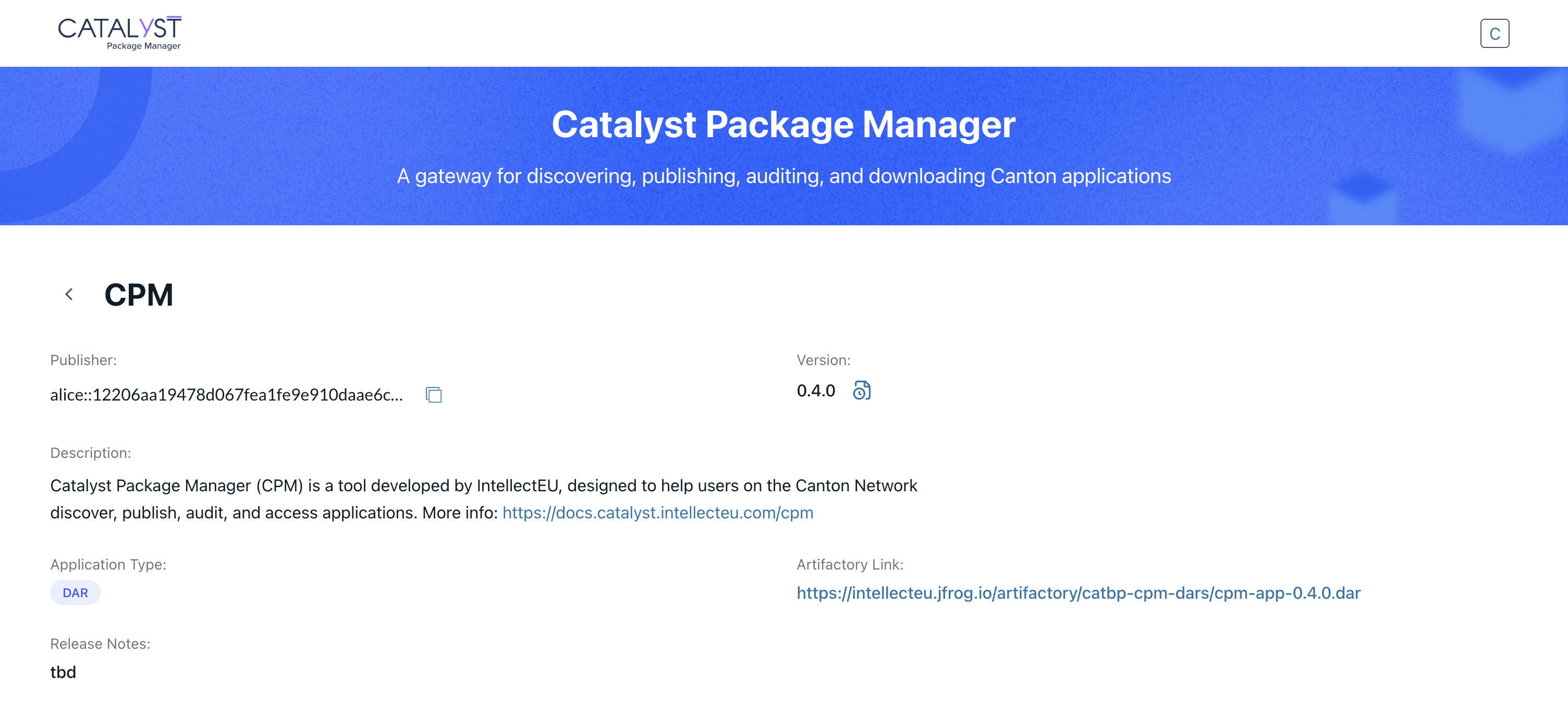
The CPM Marketplace provides an overview of all public packages published in CPM, allowing users to explore and download applications shared by other users or teams building on the Canton Network.
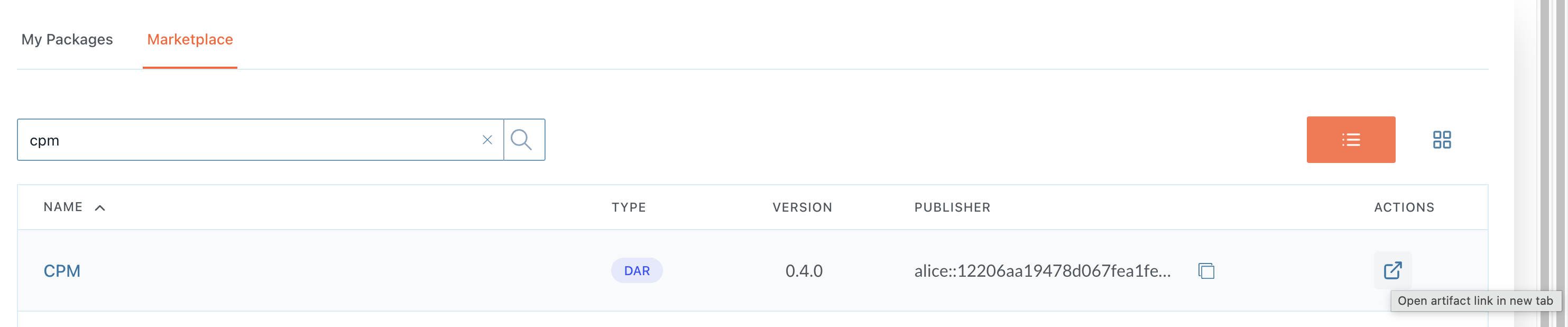
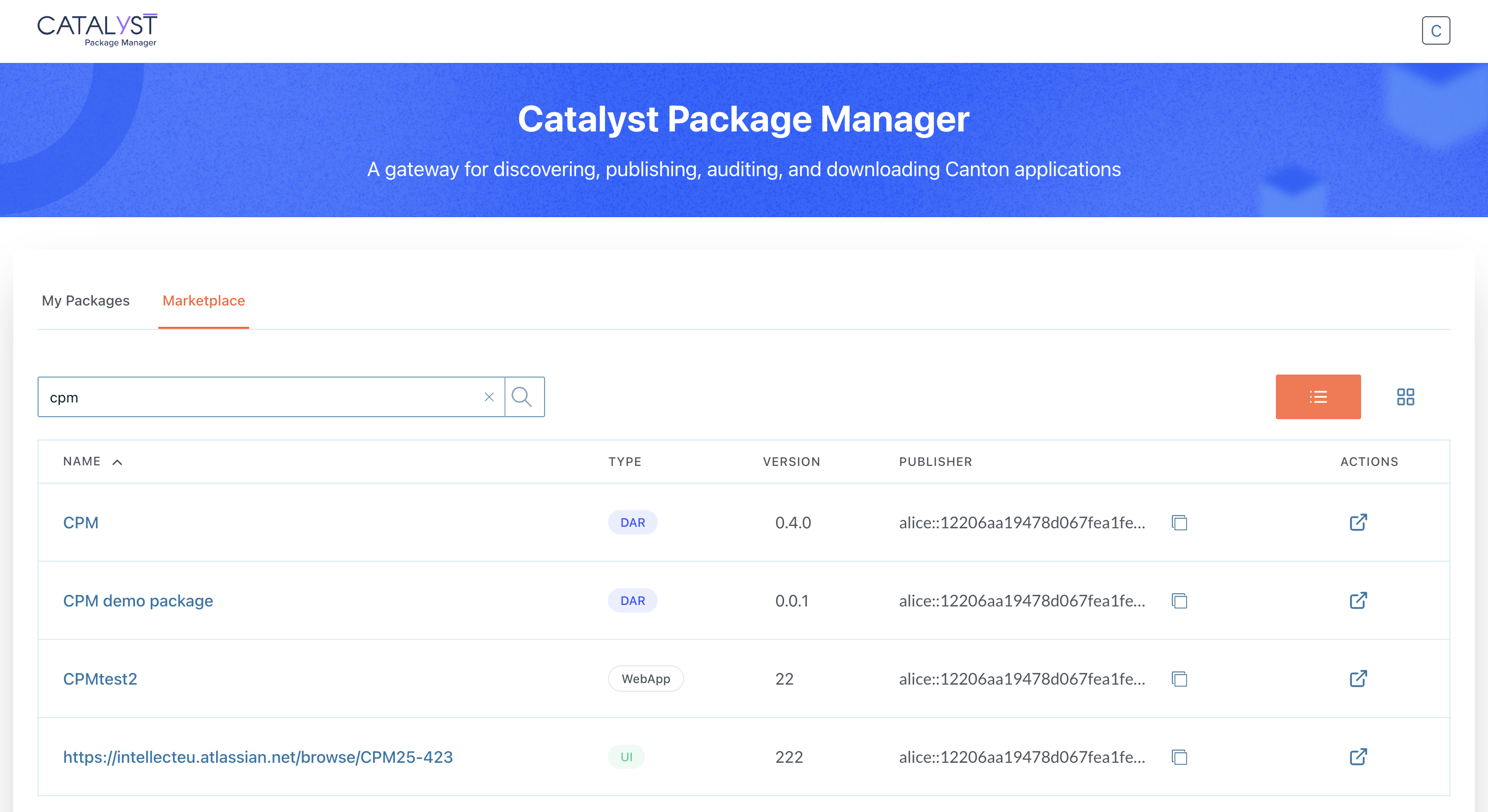
From the Marketplace catalog view, you can browse all published public packages, including their details:
-
Name - the package name
-
Type - The package type (DAR, UI, Webapp, BE)
-
Version - The currently published version
-
Publisher - The organization or team who published the package
-
Download icon - A direct action button to the artifactory link to download the package
The Marketplace catalog can be searched and filtered to help you locate packages faster.
Download a Package
To download a package, click the Download icon located under the Actions column.
This redirects you to the Artifactory link configured by the publisher, and provides access to the package.